
Unit 1 · Project 2Completed
Identity Icon
Your identity icon is a personal logo — a single graphic mark that captures something essential about who you are. It could be your initials styled in a unique way, a symbol that has personal meaning, an abstract shape that reflects your personality, or a combination of all three. You'll design it using vector tools, which means it will be perfectly crisp at any size — from a tiny sticker to a giant poster. This icon will carry through the rest of Unit 1 and become the foundation for your stencil.
Objectives
- 1Create a vector icon using only shapes, lines, and fills (no photos)
- 2Use your mood board color palette
- 3Design must work in both color and single-color versions
- 4Export at 300dpi for print and 72dpi for web
Materials
- Adobe Illustrator, Canva, or Adobe Express
- Your completed mood board for color reference
- Pencil and paper for initial sketches (recommended)
Tips & Techniques
1Sketch at least 5 thumbnail ideas on paper before going digital
2Simple icons are often the strongest — avoid too much detail
3Test your icon at small sizes (1 inch) to make sure it still reads clearly
4Think about negative space — the empty areas are part of the design too
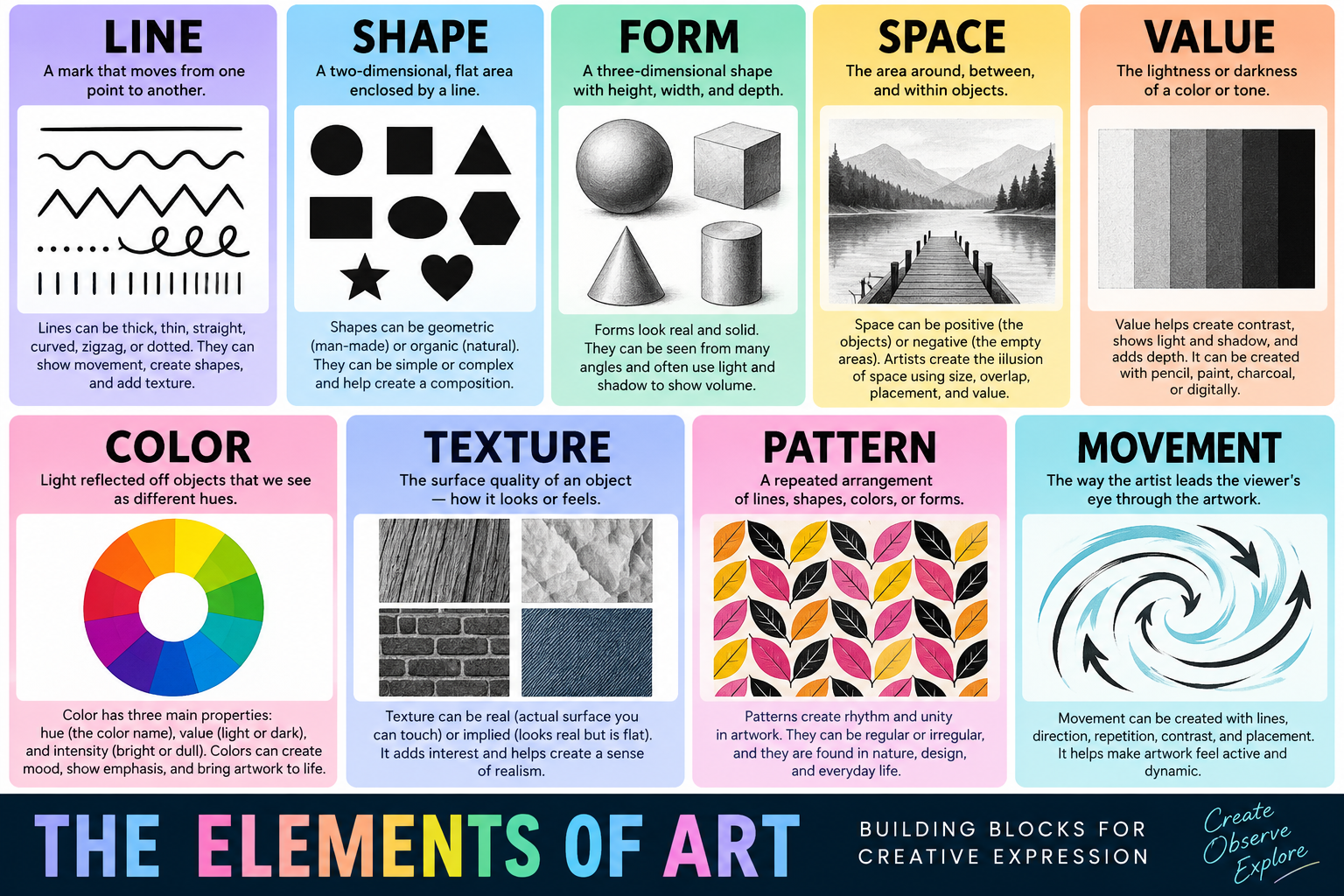
Reference: Elements of Art
Lesson Videos
Vector Design Basics
10 minGetting started with vector tools to create icons, patterns, and digital identity elements.